
To turn the Auto-File or eFile by eMail feature on or off, filers can adjust their User Preferences.
Important: An additional $1.00 processing fee applies to all Auto-File and eFile by eMail submissions.
View the User Preferences Screen
Click Settings from the Main Menu at the top.

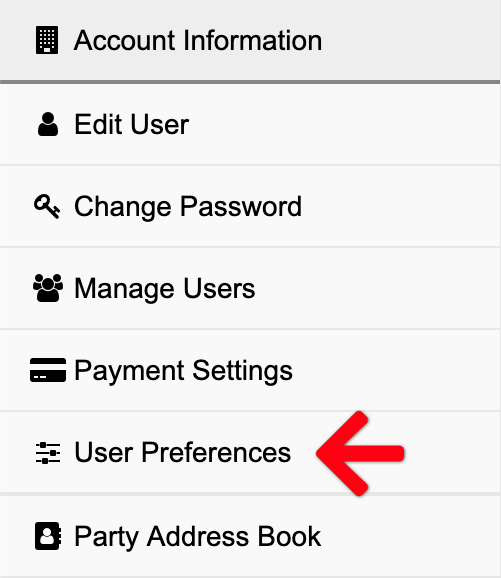
Then select User Preferences from the Left Menu.
Auto-File and eFile by eMail Check Boxes
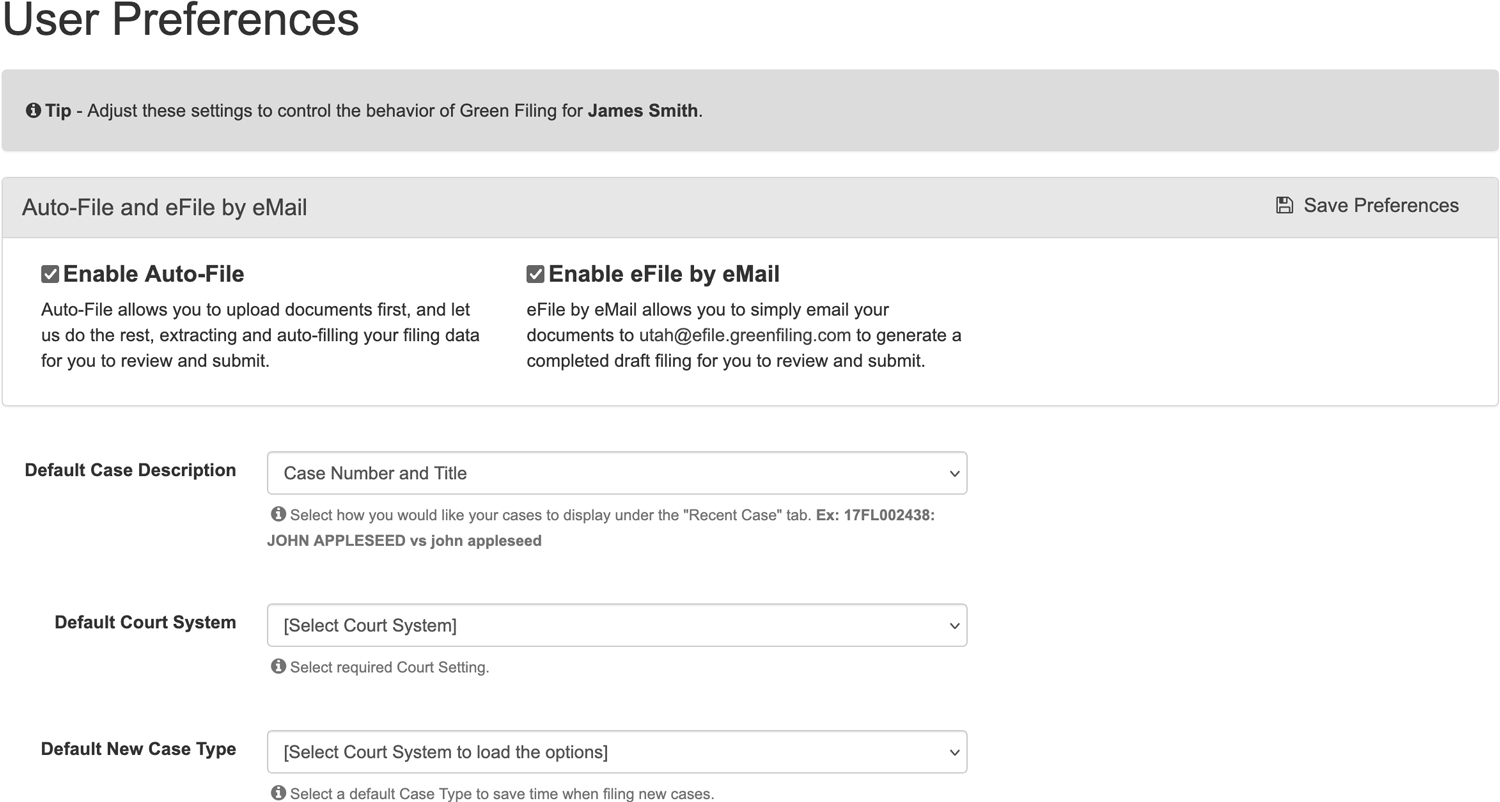
If you check the Enable Auto-File and Enable eFile by eMail check boxes, our system will attempt to extract document type and party information from your uploaded documents. There is an additional $1.00 processing fee applies to all Auto-File and eFile by eMail submissions.
When enabled, you may click Initiate a Case or File on Existing Case from the left menu of the dashboard to begin an autofiling.